Most blockers lock you out and get bypassed in seconds. SmartScroll interrupts the loop on TikTok, Reels and Shorts, and replaces it with quick knowledge cards, right when your brain wants “one more video.”
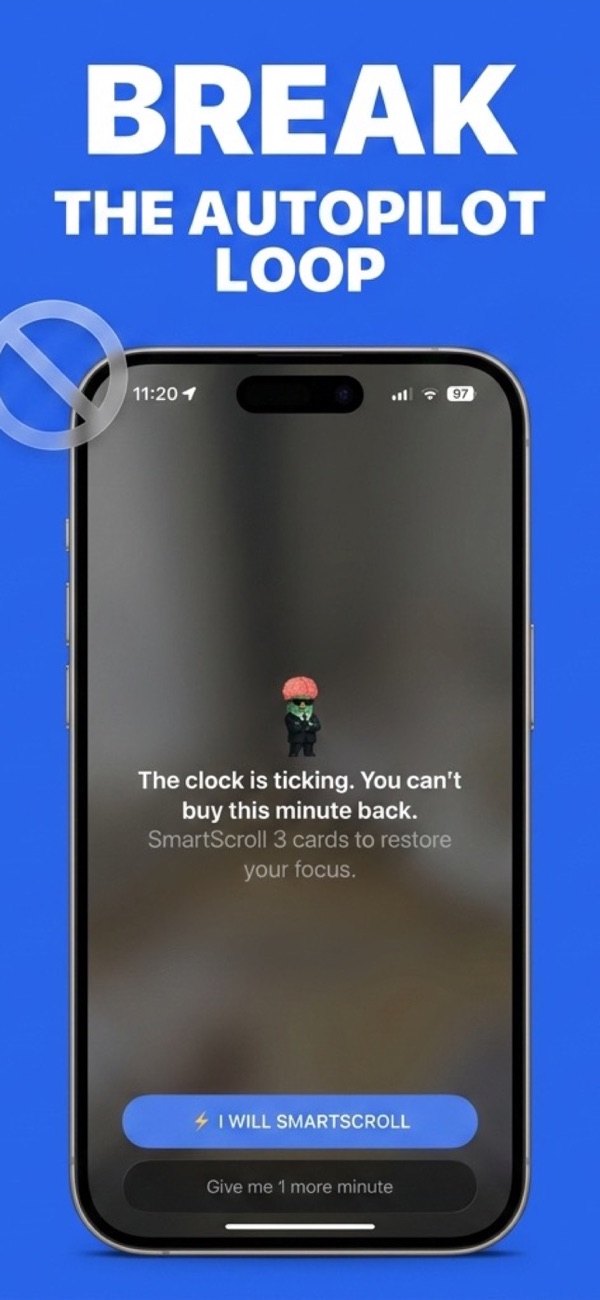
Not another wall between you and your apps: a smarter exit from the endless feed.
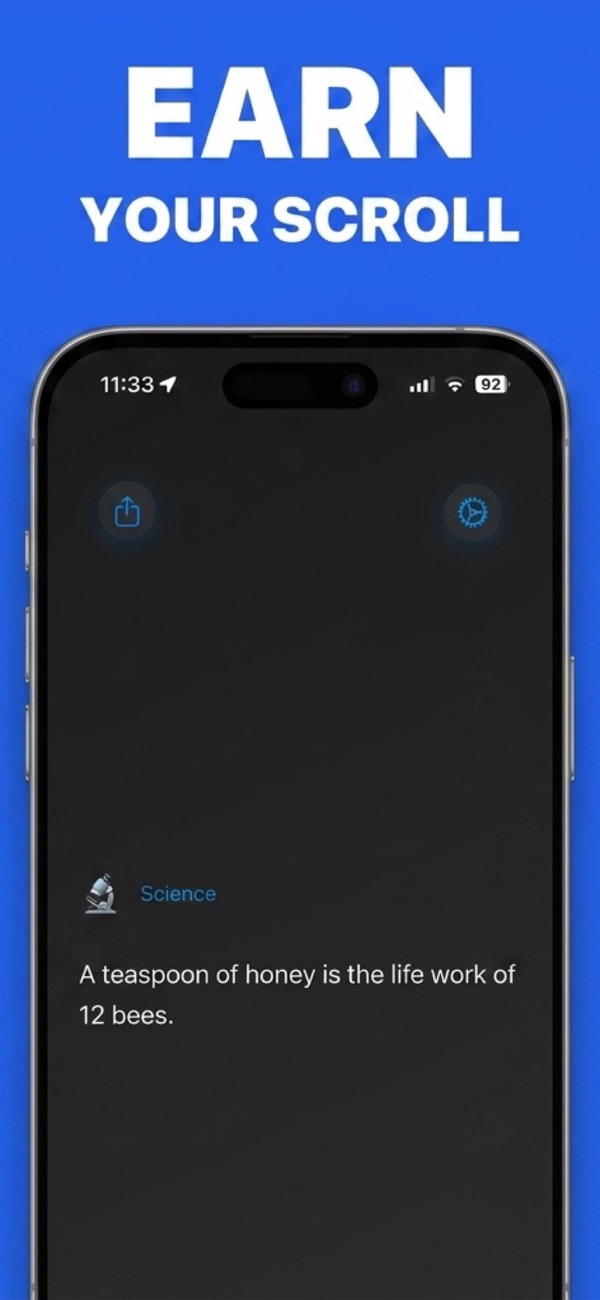
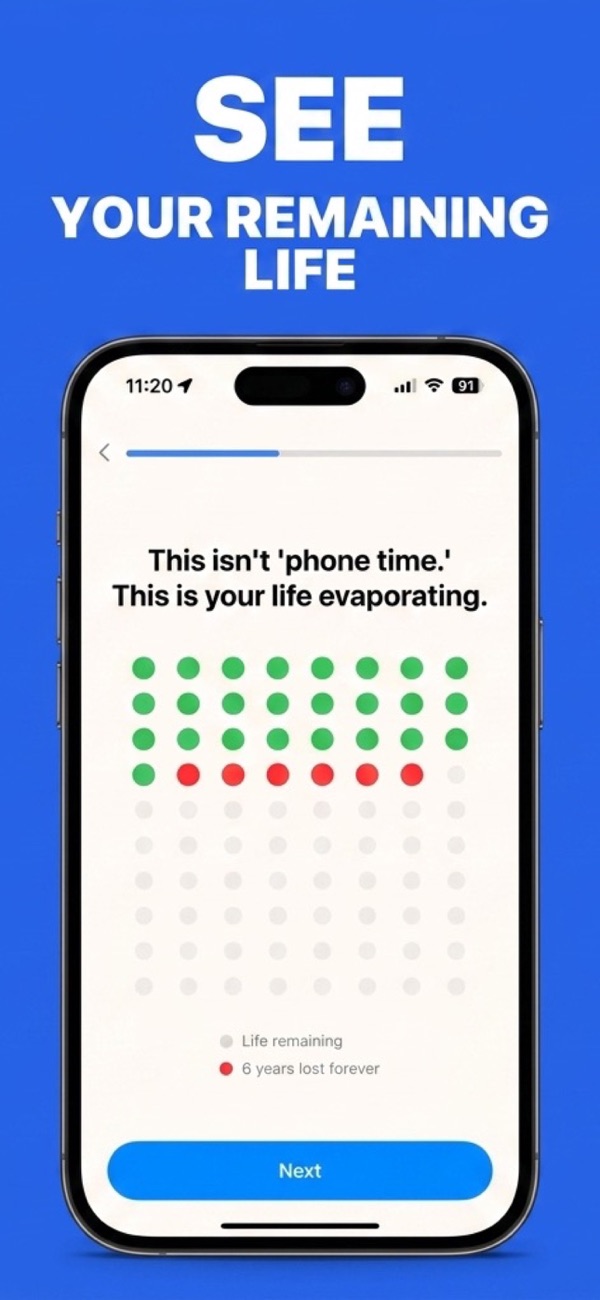
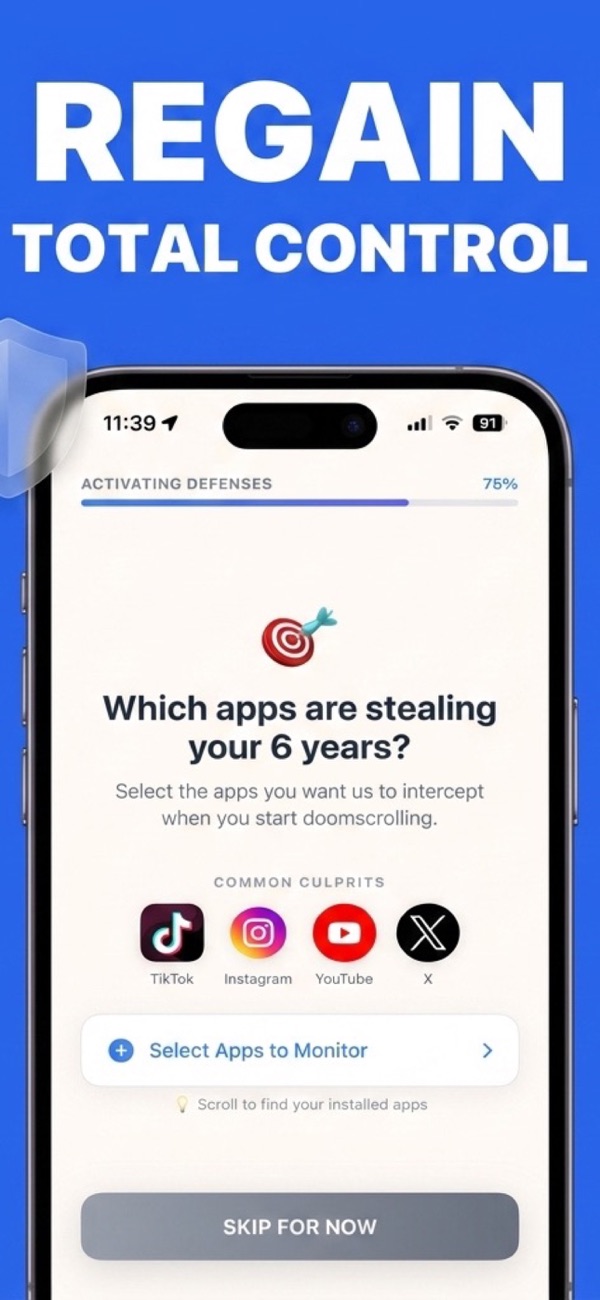
Your apps are not the problem: the automatic scrolling loop is. Here’s how SmartScroll breaks it in three steps.
Select TikTok, Instagram, YouTube Shorts, X, any app with an endless feed, and set daily limits and schedules that match your real life.
When your limit is reached, SmartScroll doesn’t just slam a door. It breaks the scrolling momentum with a smart interruption flow, exactly when your brain wants “one more video.”
Instead of a lock screen, you get quick knowledge cards: bite-sized facts and insights. The scrolling reflex stays; the brain rot goes. And the Life Grid shows every hour you win back.
Every approach fails somewhere. Here's the honest map, in plain text.
| Approach | What happens at the limit | Failure mode |
|---|---|---|
| SmartScroll | Interrupts the scrolling loop and replaces the feed with knowledge cards, so the craving gets an outlet | Leaves a conscious "1 more minute" choice, by design |
| Hard blockers (Opal ~$99/yr, Freedom) | App becomes inaccessible | Users disable them at the moment of craving, usually evenings and weekends |
| Friction apps (one sec, ScreenZen) | Breathing pause before the app opens | Strong cravings wait out the pause; nothing guards the session itself |
| Apple Screen Time (built-in) | Dismissible reminder | "Ignore Limit for Today" makes every block optional |
Full comparison: the best apps to stop doomscrolling in 2026 →
Practical, no-fluff guides to quitting the scroll, and how SmartScroll makes each one stick.
Why willpower fails against infinite feeds, and the interruption-based method that works instead.
Read the guide → TikTokKeep TikTok for DMs and intentional use: stop the For You page from eating your evenings.
Read the guide → InstagramReels is engineered like a slot machine. Here’s how to unhook without quitting Instagram.
Read the guide → YouTubeStop the Shorts shelf from hijacking your YouTube sessions, without blocking all of YouTube.
Read the guide → Screen timeForget vague digital detoxes. A step-by-step plan that targets the hours you didn’t mean to spend.
Read the guide → SleepBedtime is prime doomscrolling time. Use schedules to protect your wind-down hours automatically.
Read the guide → Brain rotWhat the research says short-form video does to attention, and how to reverse it without going offline.
Read the guide → BlockersIf you’ve disabled Opal, ignored Screen Time and out-waited one sec, the problem isn’t you. It’s the wall.
Read the guide → CompareSmartScroll, Opal, one sec, ScreenZen, Freedom and Forest: compared honestly by mechanism and price.
Read the comparison → CompareFor people who keep disabling their $99/year blocker: a redirect instead of a wall.
Read the comparison → CompareWhen the breathing pause becomes a loading screen, the habit needs a replacement, not a delay.
Read the comparison → CompareFor the day the free pause screens stop pausing you. Your thumb needs a better job, not a longer wait.
Read the comparison → BasicsThe plain-English definition, the slot-machine mechanics behind it, and the way out.
Read the guide → DataThe 71-study review, the hours-into-years arithmetic, and what the research actually shows. With sources.
Read the guide → HabitsNo dumb phone, no cabin in the woods. Fix the three loops that own your hands.
Read the guide → ScienceYou can't fast a neurotransmitter. Here's the version of the idea that actually helps.
Read the guide → TikTokWhy cold turkey usually ends in a reinstall binge, who should actually delete, and the middle path.
Read the guide → Screen TimeScreen Time, Downtime, or a dedicated blocker: what each can do, and which survives a real craving.
Read the guide → Screen TimeThe Ignore button meets you at your weakest moment. Here's the design fix that makes limits stick.
Read the guide → DetoxCut the feeds, keep your friends. Built to survive day 8, when classic detoxes collapse.
Read the guide → MorningsThe wake-up scroll is the keystone habit. Protect the first hour and the whole day gets easier.
Read the guide → X / TwitterThe original doomscroll, disguised as staying informed. Keep the signal, lose the spiral.
Read the guide → DataWhat the surveys report, and why chosen-vs-stolen hours beat the average as a health metric.
Read the guide →Everything people ask before they quit the doomscroll.
The most reliable way to stop doomscrolling is to interrupt the loop at the moment of craving, not to rely on willpower. SmartScroll detects when your daily limit is reached on TikTok, Reels, Shorts or any endless feed, breaks the scrolling momentum, and offers quick knowledge cards instead: something better to do right when your brain wants one more video. Learn more →
Yes. SmartScroll blocks TikTok automatically after your daily limit is reached, so you can keep the app installed for messages and intentional use while the endless For You feed stops draining your day. Learn more →
Set a daily limit for Instagram in SmartScroll. When the limit hits, SmartScroll interrupts the Reels loop and swaps it for bite-sized knowledge cards, so the automatic scrolling reflex gets redirected instead of just blocked. Learn more →
Yes. Add YouTube to your monitored apps with a daily limit that covers your Shorts habit. When the limit is reached, SmartScroll interrupts the Shorts loop while intentional, long-form viewing stays available before the cap. Learn more →
Most doomscrolling happens in unplanned autopilot sessions. By interrupting those sessions and visualizing lost time with the Life Grid, SmartScroll targets exactly the hours you didn’t mean to spend, usually the biggest share of daily screen time. Learn more →
Use SmartScroll’s custom schedules to block endless feeds during your wind-down hours. When you reach for TikTok or Reels in bed, SmartScroll interrupts the loop before it spirals into an hour of lost sleep. Learn more →
A 2025 review of 71 studies linked heavy short-form video use with poorer attention and impulse control, plus higher stress and anxiety. SmartScroll replaces the junk feed with knowledge cards, so the scrolling reflex feeds your brain instead of draining it. Learn more →
Hard blockers fail because a craving plus a Disable button equals a bypass. SmartScroll adds an interruption flow and gives your brain a replacement behavior, quick knowledge cards, instead of a wall, which makes the redirect stick. Learn more →
Download SmartScroll and break the autopilot loop today, no willpower required, no deleting your apps.
 SmartScroll