 SmartScroll
The short answer: delete TikTok only if your use is genuinely all-or-nothing and you've confirmed you don't need it socially. For most people the honest answer is different: they want to keep DMs, saved videos and a few creators, and lose the two-hour For You spirals. Deleting doesn't give you that split; it gives you a few clean weeks, then a reinstall, then a binge. A limit that interrupts the spiral gives you the split.
The cold turkey cycle, honestly described
The pattern shows up in almost every "I deleted TikTok" story that runs longer than a month:
- Week 1: relief. The reflex still fires, your thumb finds nothing, and it feels like victory.
- Weeks 2 to 4: leakage. The scrolling urge didn't die; it migrated. Instagram Reels time doubles, YouTube Shorts appears in your Screen Time report, or tiktok.com opens in Safari. The loop was never the app; it was the reflex.
- The reinstall. A friend sends a link, or a trip gets boring. The app returns, the algorithm warmly remembers you, and the binge that follows wipes out the gains. Worse, you've now taught yourself that quitting doesn't work.
This is the same mechanism that makes wall-style blockers fail: removing access without redirecting the urge just builds pressure until something gives.
When deleting TikTok is actually right
Cold turkey is the correct tool for a specific profile. Delete the app if:
- You don't use TikTok for messages, and nobody in your life expects you there.
- Your use is purely feed consumption with no creators you'd genuinely miss.
- Past attempts at moderation with this specific app have failed repeatedly, and you're prepared to also block the browser version.
If all three hold, delete it and don't look back. Watch the leakage problem, though: the reflex will look for a new feed, so put limits on Reels and Shorts the same day.
The middle path: keep the app, break the loop
For everyone else, the goal isn't zero TikTok. It's zero unplanned TikTok. That takes three steps in SmartScroll:
- Set a daily limit sized to intentional use. DMs, a few saved videos, your favorite creators: for most people that's 30 to 45 minutes, not two hours.
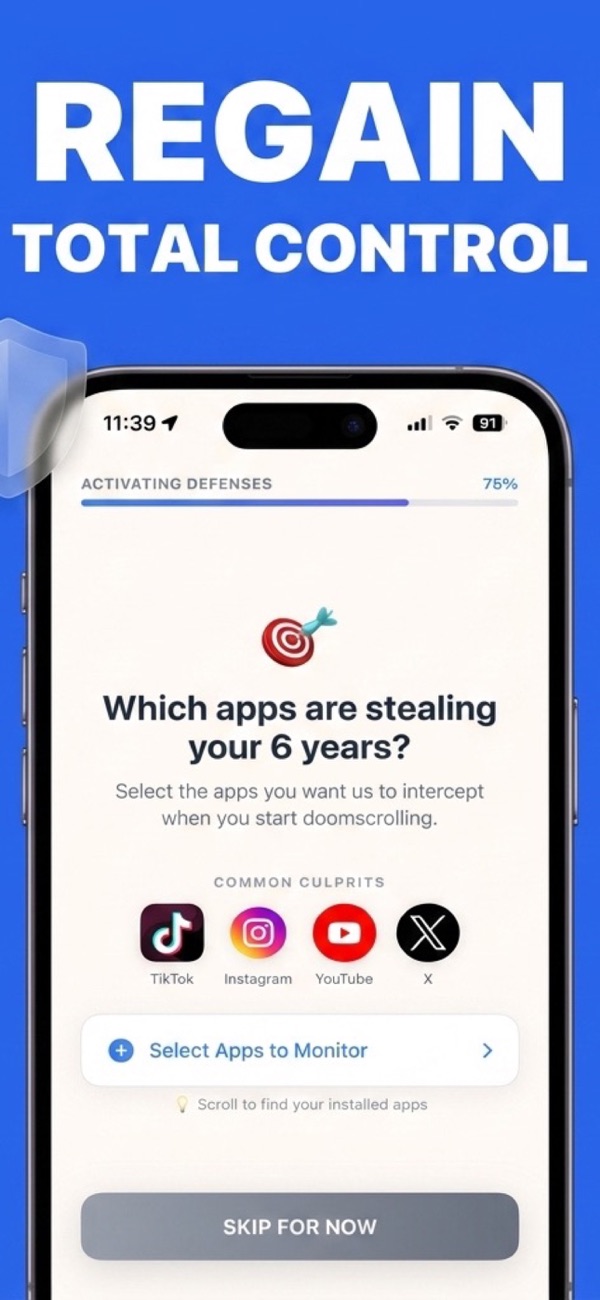
- Let the interruption catch the spiral. When the limit hits mid-scroll, SmartScroll breaks the momentum ("The clock is ticking. You can't buy this minute back.") and offers knowledge cards instead of the feed. The urge gets an outlet, which is why this holds where deleting rebounds.
- Protect your danger hours with a schedule. If your spirals live at bedtime, block the feed from 10 p.m. automatically. The night guide covers this.
The setup details are in how to block TikTok without deleting it.
A useful test: before deciding, check Settings → Screen Time and split your TikTok hours into "chose it" and "lost it." If more than a quarter is chosen time you'd genuinely miss, deleting will not stick. Limit instead.
Either way, measure the win
Whether you delete or limit, make the reclaimed time visible. SmartScroll's Life Grid converts scrolling hours into years of remaining life: two hours a day is roughly five years over an adult lifetime (the math is here). Watching those years move from lost to kept is what carries the decision past week four, which is where both cold turkey and moderation usually die.
Keep TikTok. Lose the spiral.
Set your TikTok limit in two minutes.